
 English
  Tiếng Việt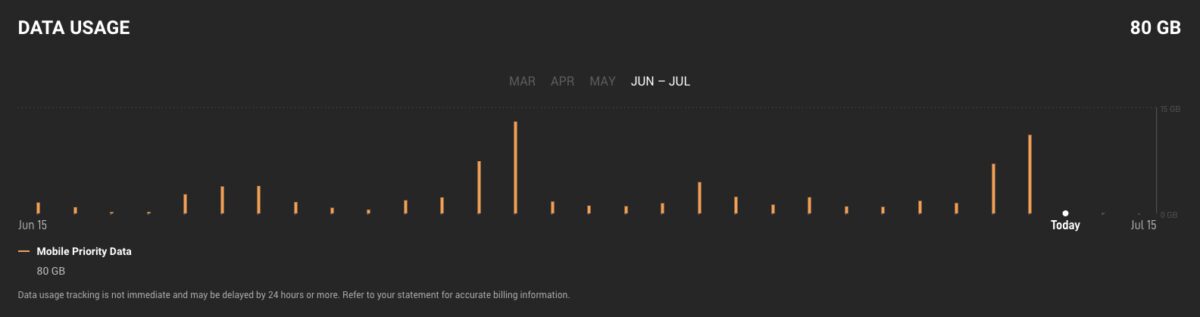
Does Starlink have a data cap?
Many Starlink users wonder about data limits. This depends on the service plan you subscribe to. Below are the details of each plan.
Fixed Service Plan
- Data amount: Unlimited
- Data type: Fixed Data
- Additional priority data: Not available
Starlink used to limit priority after 1TB/month, but has now removed it. The Fixed Plan now offers unlimited data usage.
Flexible Service Plan
Starlink offers two types of Roam plans:
- Roam Unlimited Plan:
- Unlimited data amount
- No additional priority data
- Roam 10GB or 50GB Plan:
- 10GB or 50GB Roam data
- Additional data can be purchased at a separate price for each country
Priority Service Plan
- Data amount: Customer choice, Priority data
- After the limit is exceeded: Unlimited; Maximum download speed 1 Mbps and upload 0.5 Mbps
- Price for additional priority data: Country-specific rates
How to track Starlink data usage
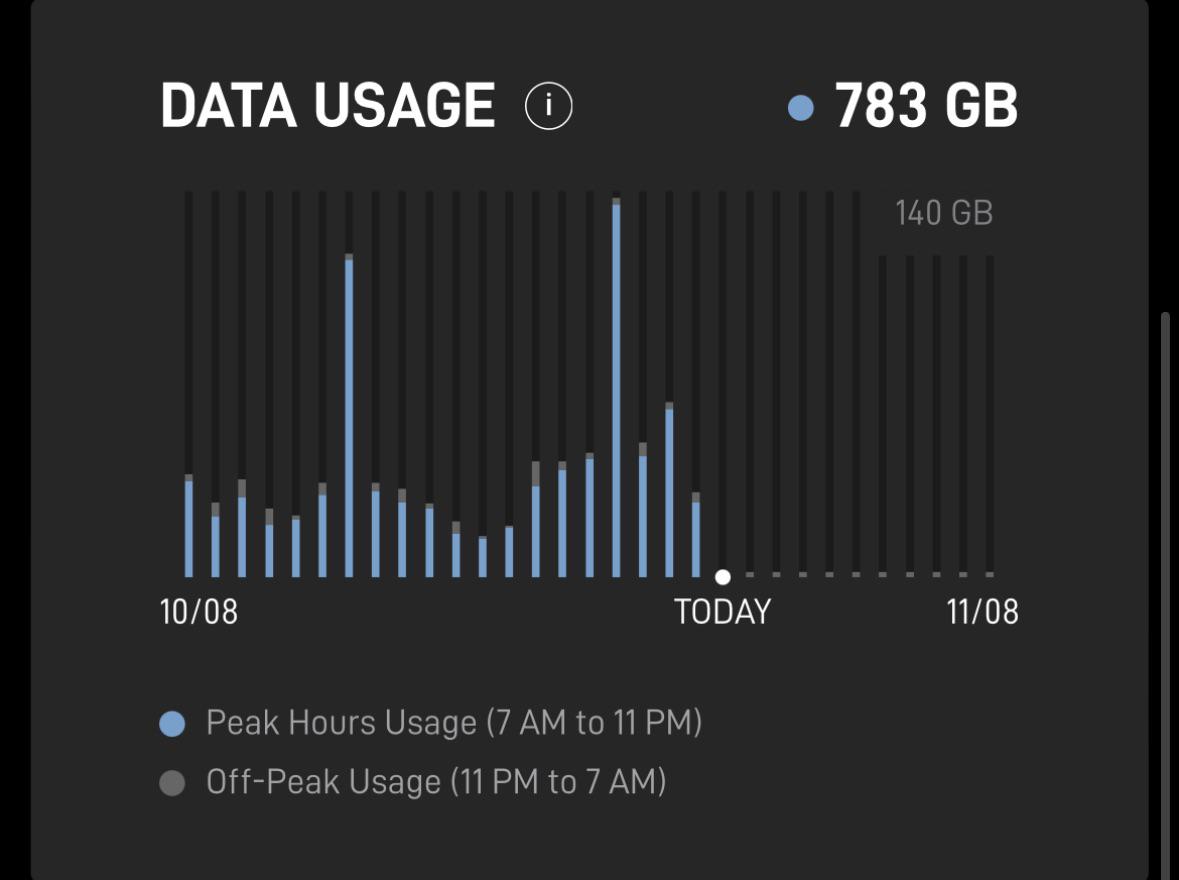
Below is a detailed guide on how to track your data usage on Starlink:
Using the Starlink app
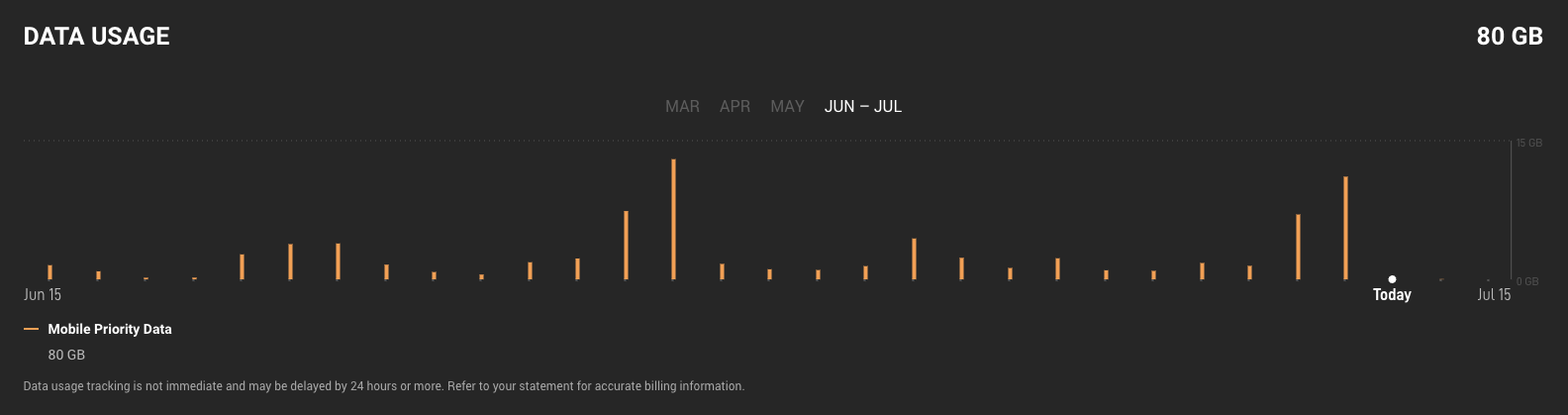
Download the Starlink app, log in to your account, tap the user icon in the top left corner. The bottom of the screen will display daily and monthly usage.
Using the Starlink website
- Visit
- Login to your account
- Nhấp vào “Đăng ký”
- Select the subscription plan you want to view usage for
- Dữ liệu sử dụng của bạn sẽ hiển thị trong phần “Dữ liệu”
Factors leading to high data usage
To manage data effectively, note the activities that consume a lot of data:
-
Speed test: Each time can use up to 1GB
-
Watch 4K video: 7–12GB/hour
-
Download large files: Games, movies, software updates
-
System updates: Automatically download without prior notice

Manage Starlink data effectively
Even though Starlink has unlimited plans, data management is still necessary to maintain performance:
-
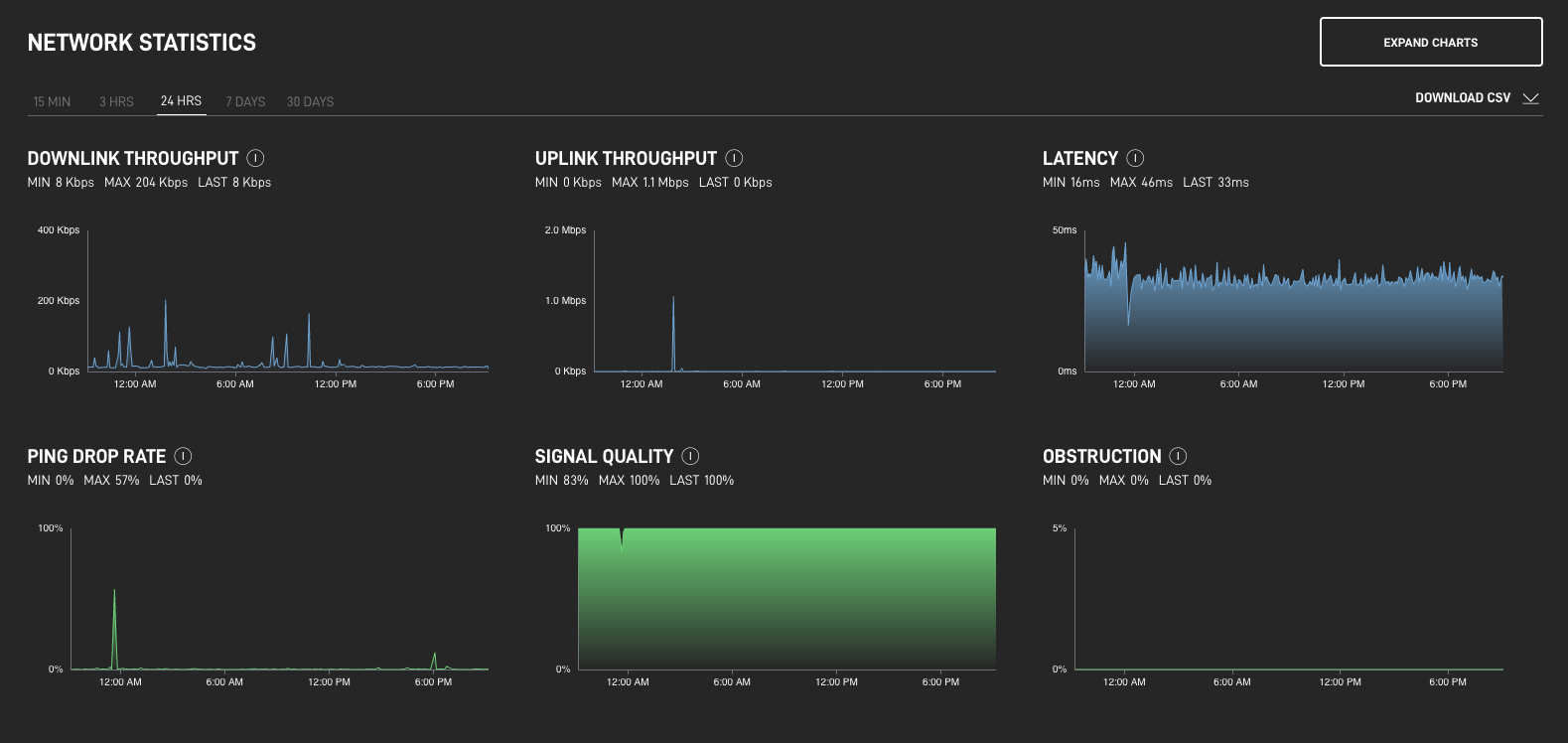
Monitor traffic via app or web
-
Reduce video resolution if unnecessary
-
Schedule large file downloads outside peak hours
-
Enable data saving mode on Netflix, YouTube
Conclusion
Starlink offers various plans with different data policies, from unlimited (Residential) to prioritized limits (Priority). Although there is no hard limit, there are reasonable usage policies to maintain service quality.
Monitoring traffic via the app helps manage effectively and avoid unexpected performance drops.