
 English
  Tiếng Việt
1. Signal Interruption Error Due to Obstructions
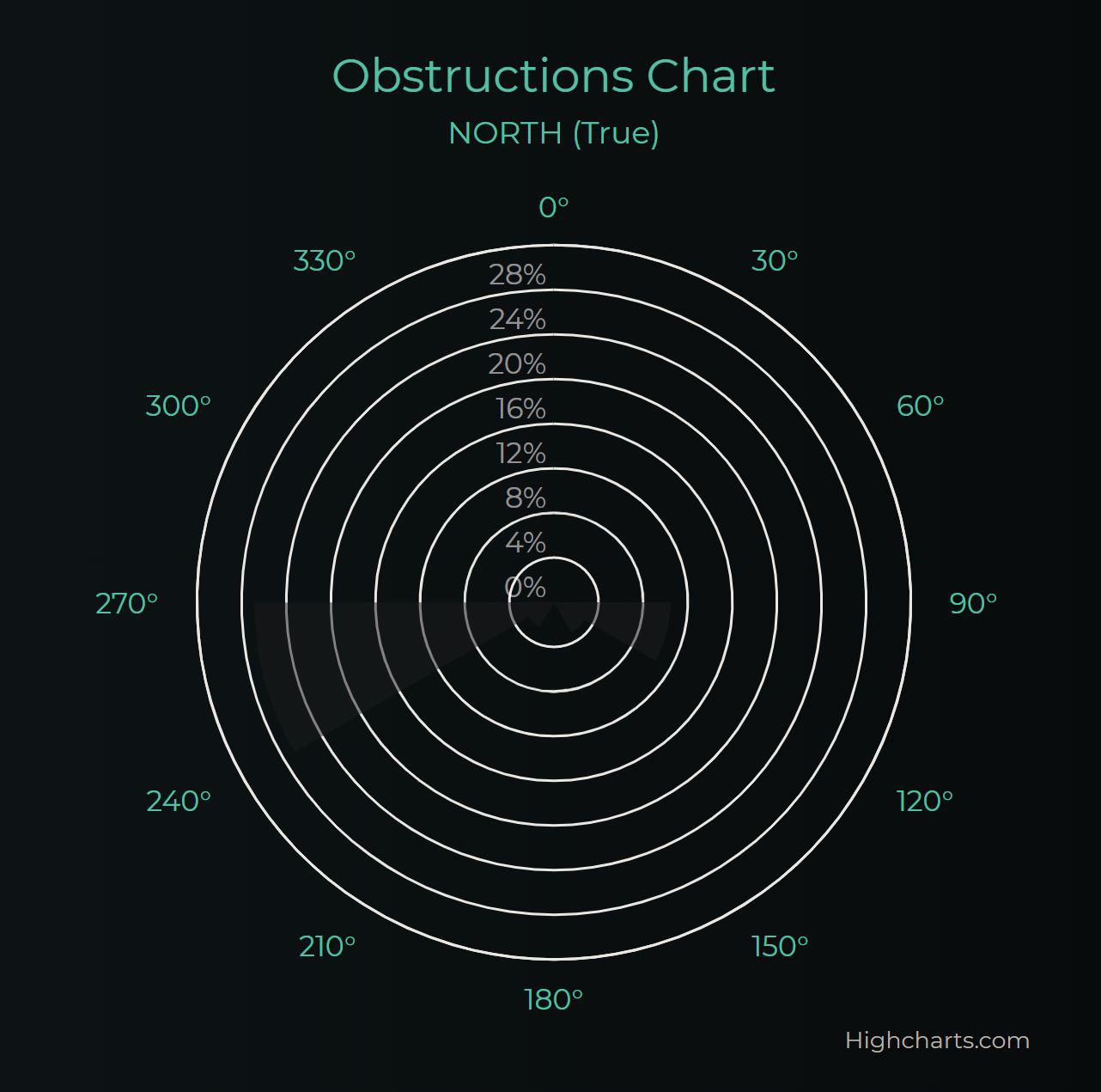
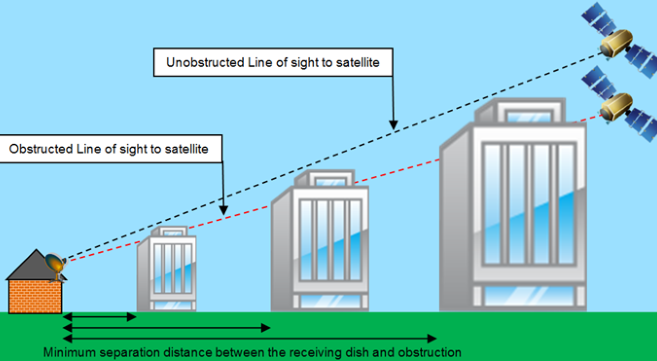
Satellites require an unobstructed line of sight to operate effectively. Obstructions such as trees and tall buildings can disrupt the signal.
Solutions:
- Check the location of the satellite dish, ensuring there are no obstructions between the dish and the sky
- Choose the highest location with a clear view towards the satellite
- Trim trees or relocate the dish if necessary
- Use a satellite finder app to determine the optimal position
2. Error “Offline – Unplugged or Rebooting” (Lost connection – Unplugged or rebooting)

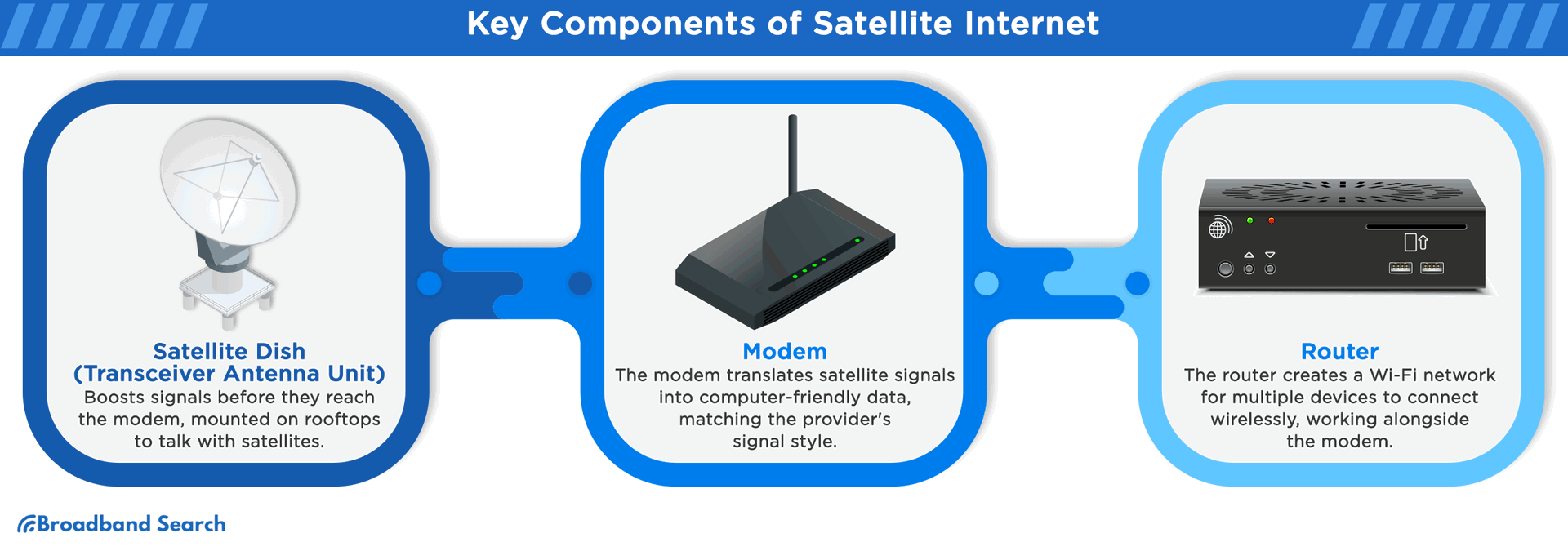
This is the second most common error with satellite internet, especially with the Starlink system. This message appears when there is a connection issue between the signal receiving dish and the router.
Solutions:
- Restart the entire system by unplugging, waiting 60 seconds, then plugging back in
- Check the cable connection between the dish and the router, ensuring it is not damaged or loose
- Inspect the cable connectors for corrosion or damage
- Perform a factory reset on the router if the above methods are ineffective
3. Error Due to Weather Conditions
Satellite internet is susceptible to adverse weather conditions such as heavy rain, snow, ice, or strong winds, which can degrade signal quality.
Solutions:
- Secure the dish to withstand strong winds.
- Use a soft brush to remove ice and snow from the dish.
- Accept temporary speed reduction during extreme weather.
5. Error “Network Issue”
Common Starlink errors due to various reasons.
Solutions:
- Check the indicator lights on the WiFi router.
- Restart the device.
- Check the connection cables.
- Check for warnings on the Starlink app.
- Ensure the dish is not obstructed.

6. High Latency Error
Satellite internet has higher latency than fiber due to long-distance signal travel.
Solutions:
- Accept latency when playing online games.
- Ensure the dish is not obstructed.
- Reduce bandwidth usage during peak hours.
7. Outdated or Malfunctioning Hardware Error
Old or malfunctioning equipment reduces satellite internet performance.
Solutions:
- Regularly check the hardware.
- Update the modem and router firmware.
- Upgrade the equipment if it is too old.
- Contact the supplier to replace faulty hardware.
Conclusion
Satellite internet like Starlink is popular in areas lacking connectivity. Issues can be resolved to optimize the service.