 English
  Tiếng Việt
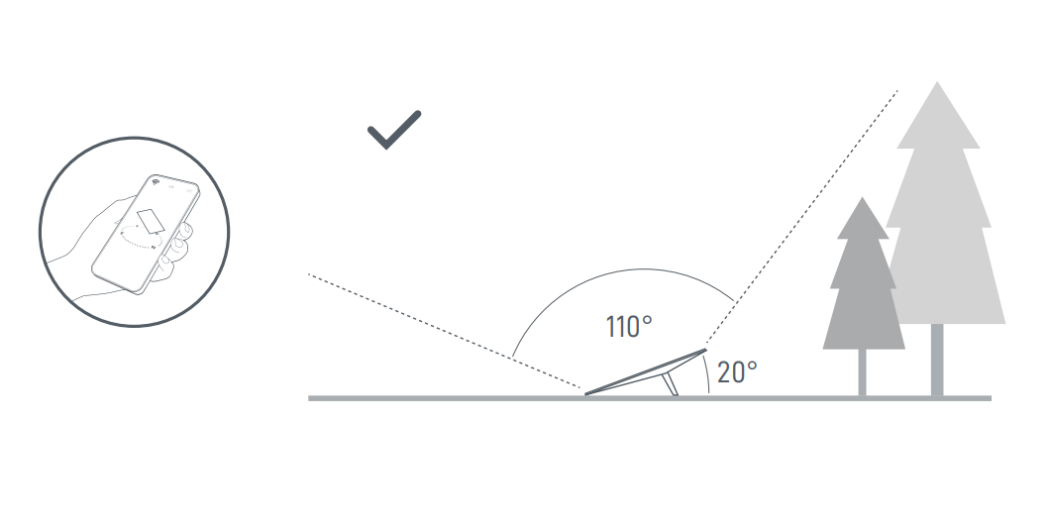
 1. Preparation Before Installation
Before installing Starlink, prepare:
-
Starlink kit
-
Phone with Starlink app
-
Installation location with clear sky view
-
Stable power source
2. Download And Install Starlink App
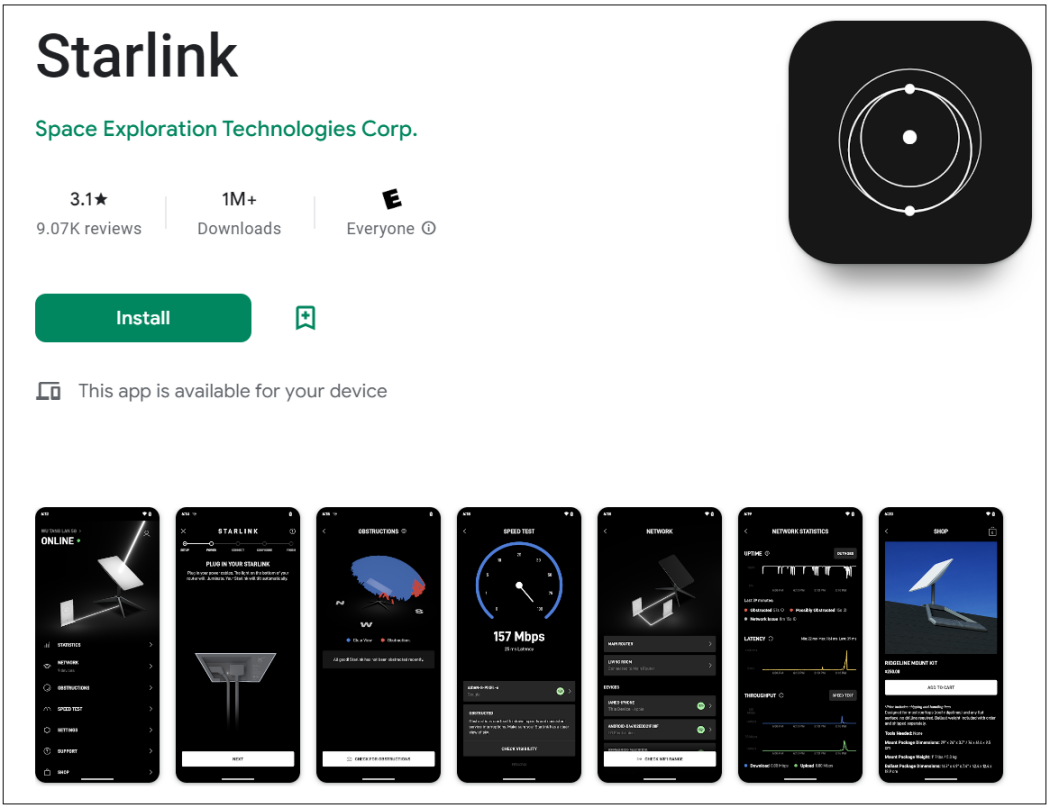
Download the Starlink app from the App Store or Google Play, install and log in to your account.
3. Find The Ideal Installation Location
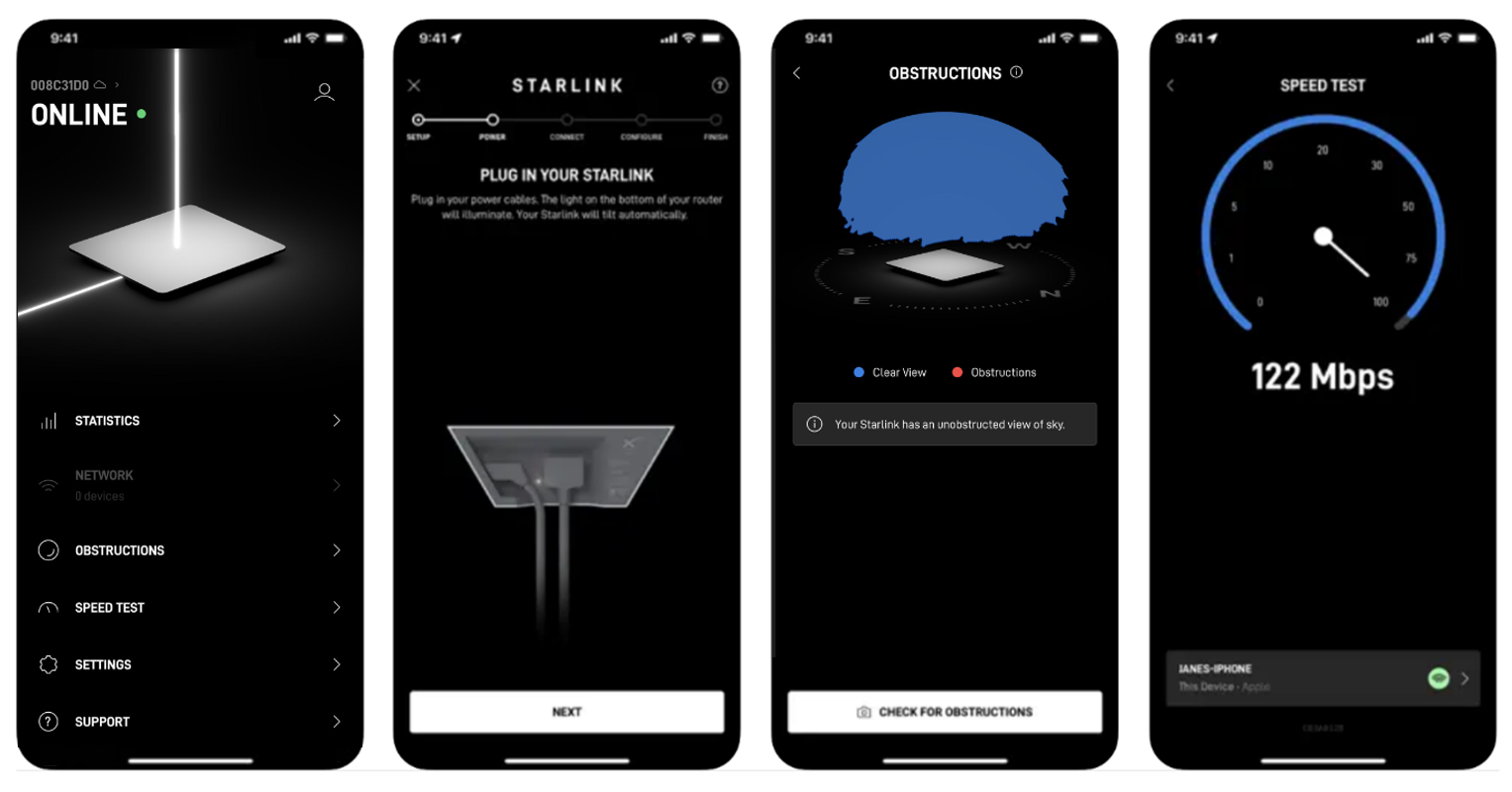
Starlink quality depends on sky visibility:
-
Open the Starlink app
-
Use the “Check for Obstructions” tool
-
Scan the installation area
-
Choose a clear location, avoid obstructions
4. Install The Starlink Dish
Install the Starlink dish:
-
Attach the dish to the base
-
Position as vertically as possible
-
Use accessories if installing on a roof or pole
Note:Do not manually adjust the dish angle, the device will self-calibrate.
5. Connect Cables And Power
Connect the Starlink system:
-
Plug the cable into the transceiver dish
-
Lead the cable into the house
-
Connect the cable to the router
-
Plug in the power for the router
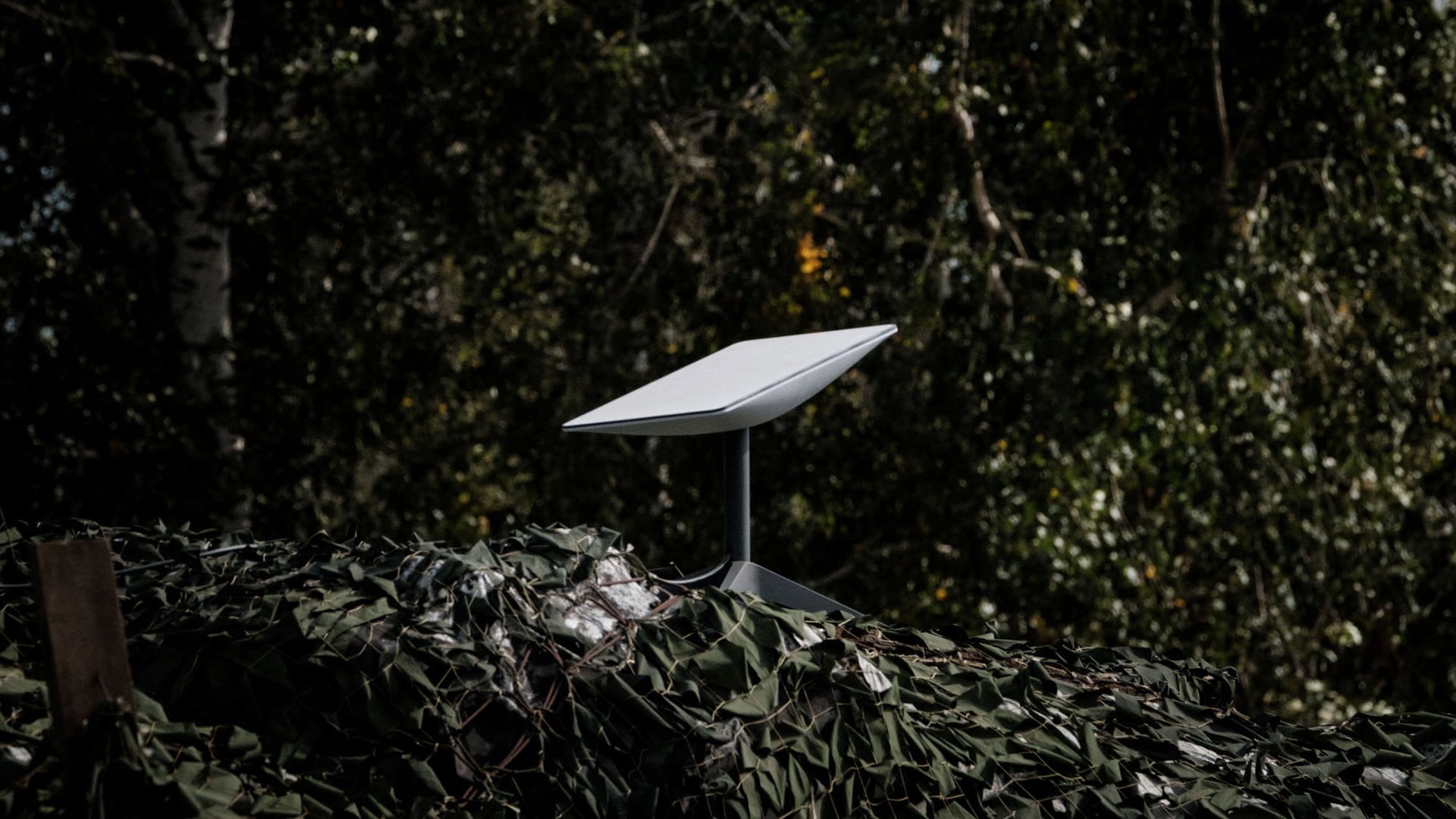
6. Wait For Connection And Auto Adjustment
After plugging in the power, the Starlink dish will automatically:
-
Balance and find satellites
-
Establish initial connection (takes 5–10 minutes)
-
Automatically tilt towards the optimal direction (north or south depending on location)
7. Connect WiFi And Configure Network
Once the dish is connected to the satellite, proceed to set up WiFi:
-
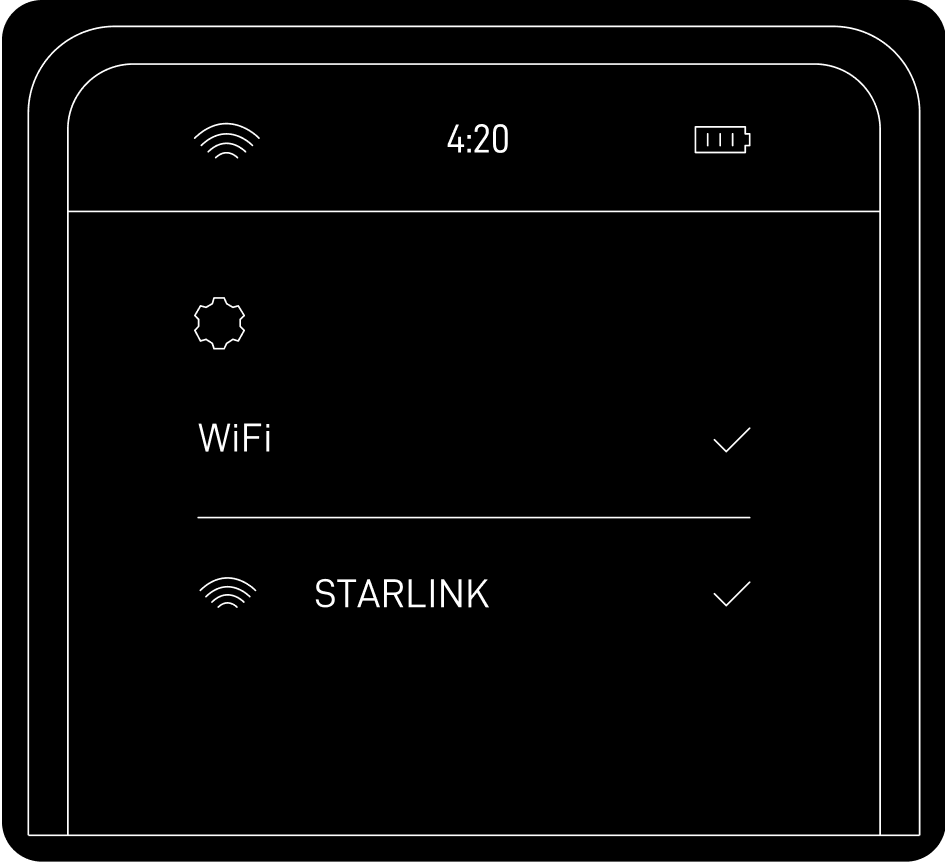
Connect to the “STARLINK” network on the device
-
Enter a new network name (SSID) and password if desired
-
Complete the connection and open the Starlink app to check and customize
8. Check And Troubleshoot
If you encounter issues with the Starlink connection, try:
-
Open the Starlink app to check for alerts or obstructions
-
Check the lights on the router and cable connections
-
Ensure the correct service address
-
Restart the device by unplugging and plugging it back in
 9. Optimize Performance
 9. Optimize Performance
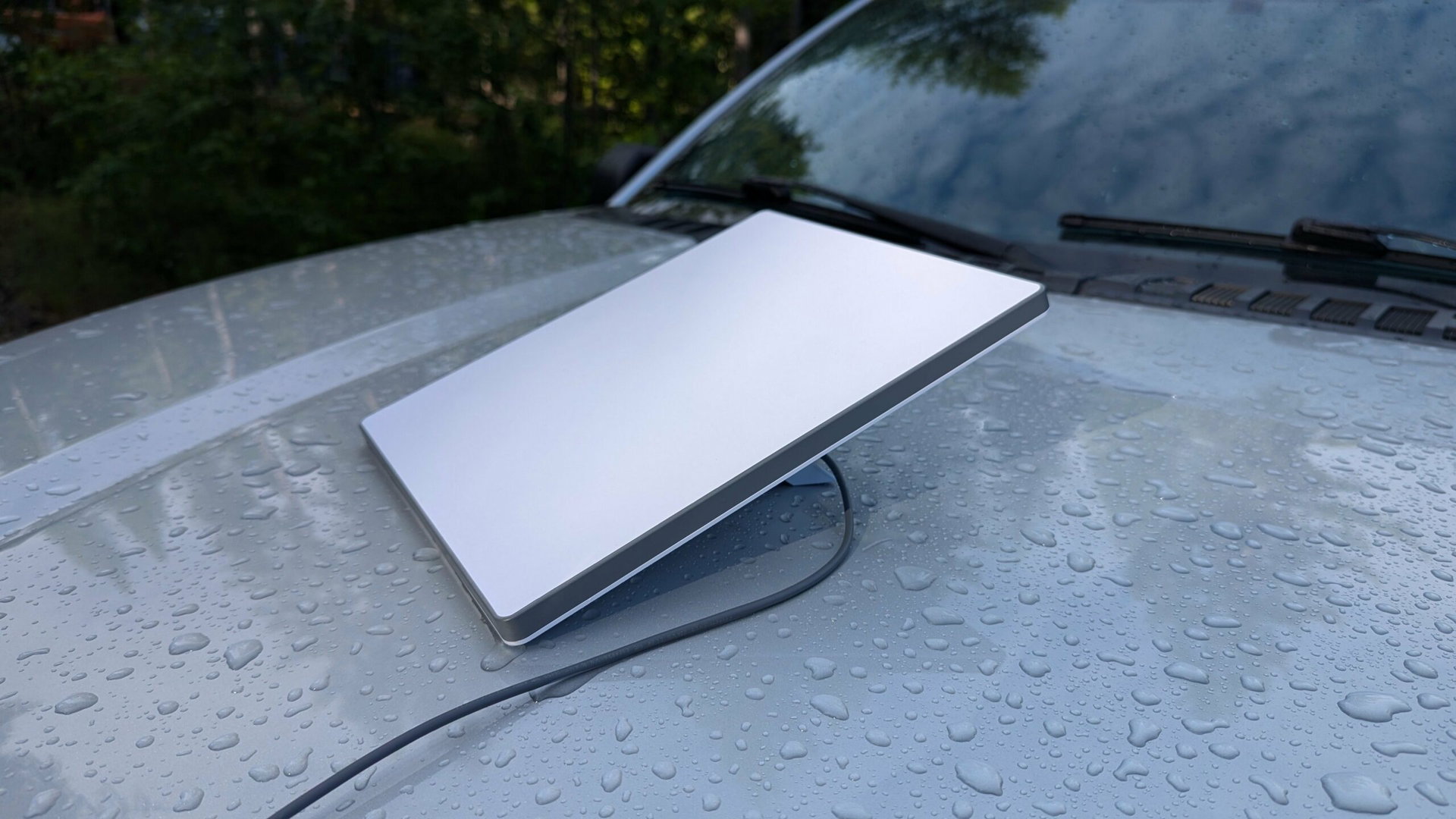
To optimize Starlink performance:
-
Clean the dish regularly, especially after bad weather
-
Ensure the line of sight is unobstructed
-
Use the Starlink app to monitor connection and alerts
Conclusion
Installing Starlink is very simple: just choose a clear sky location and let the device adjust itself. After that, you can use high-speed internet almost anywhere.