
 English
  Tiếng Việt
 1. Choose the Optimal Installation Location
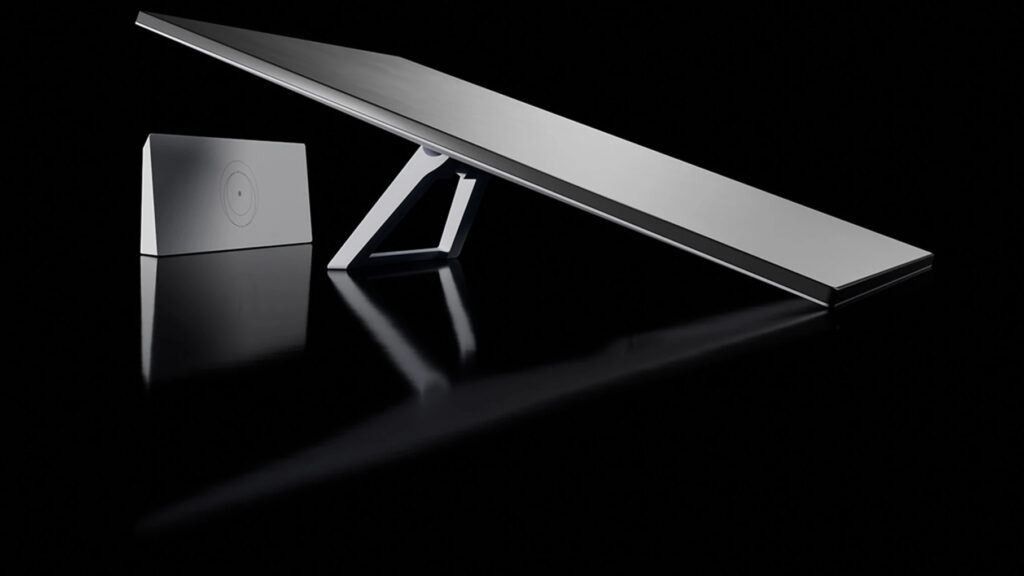
The location of the Starlink antenna determines the speed and stability of the connection.
- Clear view: Avoid trees and buildings obstructing the view.
- North direction: Optimal connection in Vietnam.
- Avoid interference: Keep away from strong electromagnetic and broadcasting devices.
- High position: On the roof or high place, without obstructions.
- Use the Starlink app to check “Visibility” before permanent installation.
2. Optimize Router and WiFi Connection

Optimize Starlink WiFi performance:
-
Activate Bypass mode: Disable the default Starlink router and use a separate, higher-performance router.
-
Router placement: Place in a central, open location for even WiFi signal coverage.
-
Band division:
-
5GHz: For devices near the router, requiring high speed.
-
2.4GHz: For devices farther away, better wall penetration.
-
-
Add Mesh Node: For large homes, add a Starlink mesh node to extend coverage.
-
Firmware update: Always keep the router and Starlink antenna at the latest version.
3. Optimize Ethernet Connection
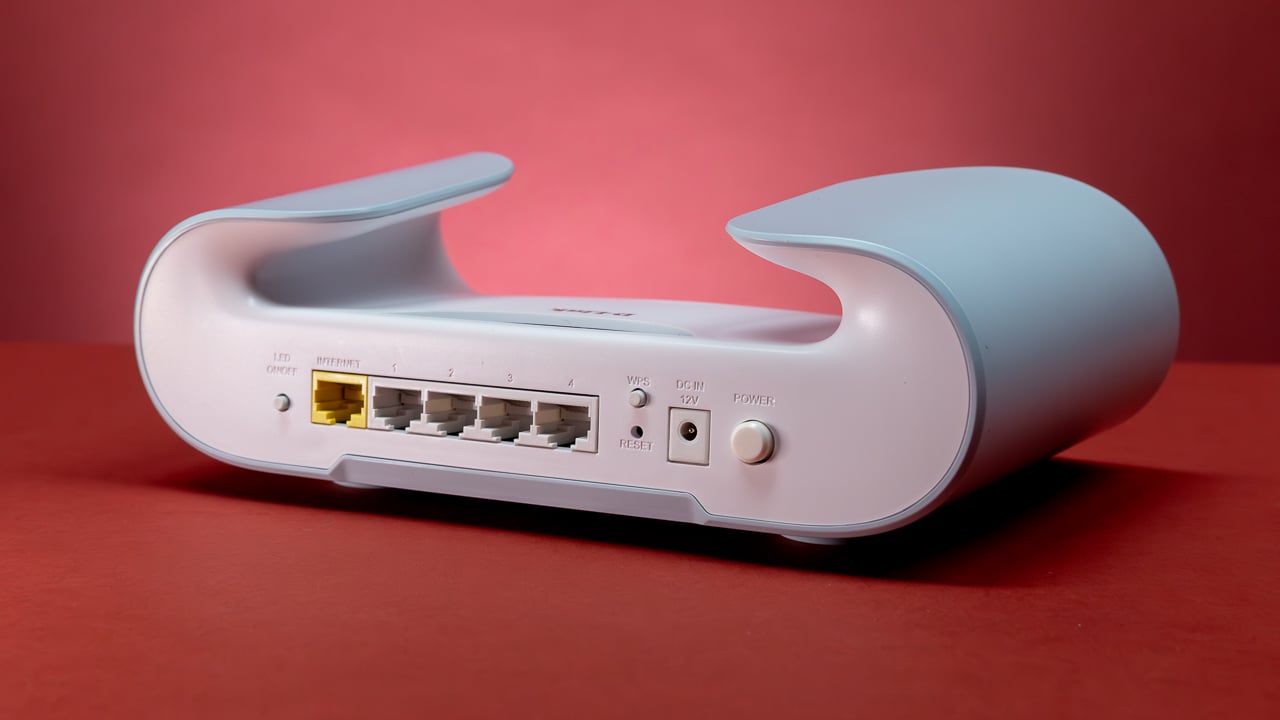
Optimize Ethernet connection:
-
Use an Ethernet adapter: If the Starlink router lacks a LAN port, purchase an official adapter.
-
Choose quality cables: Prefer CAT6 or higher (CAT6/CAT7) over CAT5e.
-
Keep cables short: The shorter the cable, the more stable the signal.
-
Check cables: Replace faulty or bent cables to ensure speed.
4. Bandwidth Management
Effective bandwidth management:
-
Limit connected devices: Starlink router works well with ~30–40 devices; overloading will reduce speed.
-
Prioritize devices/applications:SetupQoS to prioritize bandwidth for important devices.
-
Turn off automatic updates: Avoid operating system/software updates during peak hours.
-
Use data-saving browsers: Opera, Brave… help optimize bandwidth when browsing the web.
5. Monitor And Troubleshoot
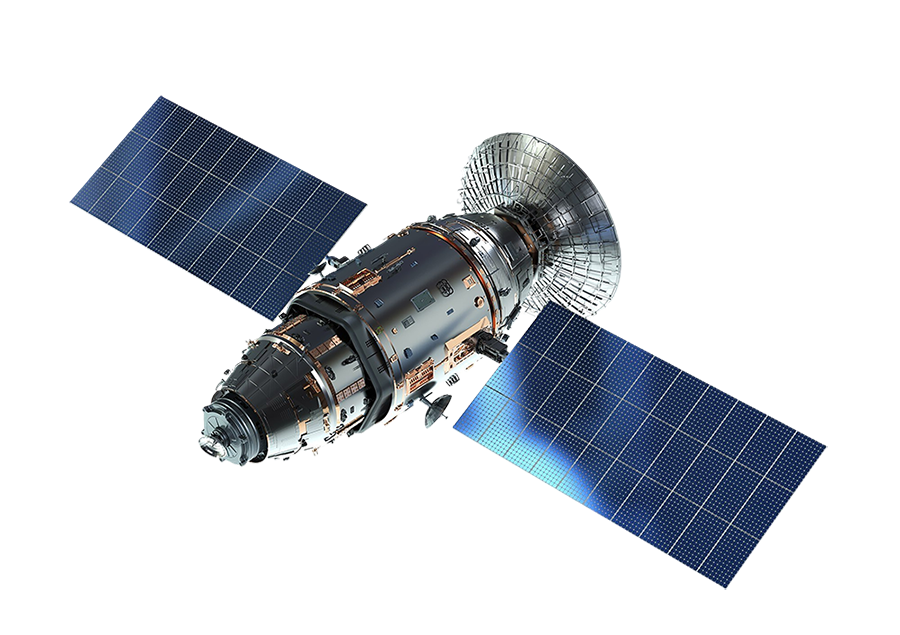
Monitor & troubleshoot Starlink:
-
Use the Starlink app: Check performance, connection errors, and device status.
-
Regular speed checks: Use Speedtest to monitor internet speed.
-
Regularly restart:Disconnect the antenna & router for 60 seconds to refresh the connection.
-
Fix the “Motors Stuck” error: Restart and wait ~15 minutes for the system to self-calibrate.
-
Check cables: Ensure cables are not bent, cracked, or loose.
6. Further Optimize For Special Needs
🔹 Gamer:
-
Use Ethernet instead of WiFi
-
Use a separate router to open NAT
-
Reduce the number of devices connected simultaneously
🔹 Remote work:
-
Avoid video meetings during peak hours
-
Create a private network for work
-
Prioritize bandwidth for work devices
🔹 Streaming:
-
Choose an appropriate video resolution
-
Preload content if possible
-
Reduce the number of devices using the network while streaming
Conclusion
Optimize Starlink easily with a few simple tips: choose a good location, optimize the router and connection, manage bandwidth reasonably.